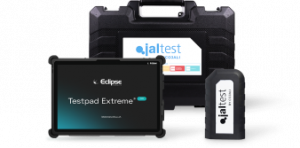







Most workshops use Jaltest for the basics: reading fault codes, clearing them, and moving on to the next vehicle. That’s a fraction of what the software can actually do. Buried inside Jaltest software is a set of tools built specifically to cut diagnostic time, reduce comebacks, and make workshop reporting far less painful.
Below are ten features that experienced technicians rely on daily, and that newer users often overlook. Each one is designed to shave minutes, or hours, off routine diagnostic and repair work.
-
SMART Guides
Standard troubleshooting guides walk you through a fault step by step. SMART Guides go further by linking each step directly to the relevant action inside Jaltest, whether that’s a test procedure, a calibration, a reset, or a component replacement.
Instead of reading an instruction and then hunting through menus to carry it out, the software takes you straight there. For a technician working through an unfamiliar fault on a brand they don’t see often, this alone can turn a half hour of guesswork into a ten minute job.
Practical example: a DPF-related fault appears on a Euro VI truck. Rather than cross-referencing a separate guide, the SMART Guide links directly to the relevant regeneration or sensor test, so the technician can act on the instruction immediately.
-
Interactive wiring diagrams
Paper wiring diagrams, or static PDFs, force technicians to trace circuits by eye and cross-reference component lists separately. Jaltest’s interactive wiring diagrams remove that friction. Hovering over a component highlights it on the diagram, and clicking through brings up technical data, related documents, and the component’s physical location on the vehicle.
This is particularly useful on electrical intermittent faults, where tracing a circuit manually can eat up most of a working day. With the component location and technical data available in the same screen as the diagram, technicians can move from diagnosis to repair without leaving the software.
-
Live data recording
Some faults only show themselves when the vehicle is moving, which makes them almost impossible to catch on a static test. Jaltest’s data recorder lets technicians select relevant sensor parameters, record them during a road test, and play the recording back afterwards to see exactly when a fault code appeared and what the live readings were at that moment.
Because Jaltest shows both the actual reading and the expected value for each parameter, it’s straightforward to spot which sensor drifted out of range before the fault triggered. This turns an intermittent, hard to reproduce fault into something that can be diagnosed from a single test drive.
-
CAN system topology
When a system scan returns a long list of modules, it isn’t always obvious how they relate to one another. Jaltest can display the scan as a CAN topology view instead of a plain list, showing how systems are connected and colour coding each one according to whether it has an active fault, an inactive fault, or no fault at all.
For technicians working on unfamiliar vehicle architectures, this visual layout makes it much quicker to see where a fault sits within the wider network, and whether it’s likely to be the root cause or a symptom of something else.
-
System checks and component actuation tests
Rather than relying purely on fault codes, Jaltest allows technicians to actively test components and systems. This includes cylinder compression and cut-out tests, AdBlue dosing tests, injector buzz tests, clutch wear tests, and more, covering systems from the engine and gearbox through to brakes, suspension, and the aftertreatment system.
Running an actuation test can confirm whether a part is actually faulty before it’s ordered or replaced, which helps avoid unnecessary parts costs and repeat visits. It’s a much faster way to build confidence in a diagnosis than relying on symptoms alone.
-
Component location guidance
Even when a fault has been correctly diagnosed, locating the physical component can take time, particularly on vehicles a technician hasn’t worked on before. Jaltest addresses this with graphical cues and real life imagery that pinpoint exactly where a component sits on the vehicle.
This is a small feature with a big time saving. On complex modern vehicles with components tucked away behind trim panels or under the cab, knowing exactly where to look before starting removes a significant amount of trial and error.
-
Repair time estimates
Jaltest provides estimated repair times for many jobs, which helps technicians and workshop managers plan the day more accurately. Rather than guessing how long a job will take, staff can use the built in estimate to schedule work, quote customers, and keep the workshop running to plan.
Over a busy week, more accurate scheduling means fewer bottlenecks and a better idea of what can realistically be fitted in before the workshop closes.
-
GRP Web: workshop and customer reporting
Garage Resource Planning, or GRP Web, is Jaltest’s built in workshop management tool. It centralises customer details, vehicle records, and diagnostic reports in one place, accessible from any device. Technicians can log the work carried out, the faults found, and generate a complete diagnostic report from start to finish.
That report can then be handed to the customer as clear proof of the work done and justification for the cost, which is particularly useful for fleet customers who need documentation for their own records. It also means information isn’t lost between technicians if a vehicle comes back for further work.
-
Maintenance and reset functions
Jaltest supports a wide range of maintenance tasks beyond fault finding, including DPF regeneration, service resets, Advanced Emergency Braking System (AEBS) resets, air dryer resets, and Malfunction Indicator Lamp (MIL) resets.
Having these functions available within the same tool used for diagnostics means technicians don’t need a separate piece of equipment for routine servicing work. A service that would otherwise require several different tools can often be completed from a single Jaltest connection.
-
OBD communication bus test
Before diagnosing further, it’s worth confirming the diagnostic connection itself is sound. Jaltest’s communication bus test checks that every pin on the vehicle’s OBD port is functioning correctly, verifying power supply and connection, and flagging any communication errors. The interface shows a visual confirmation of which pins on the OBD and 9 pin Deutsch connectors have been checked.
This is a useful first step whenever a vehicle won’t communicate properly, ruling out a wiring or connector fault before assuming the issue lies with the vehicle’s electronic systems.
Getting more from the tool you already own
Most of these features come as standard with Jaltest, which means many workshops are already paying for functionality they aren’t fully using. Taking the time to explore SMART Guides, the data recorder, and GRP Web reporting in particular can make a real difference to how many vehicles move through the workshop each week.
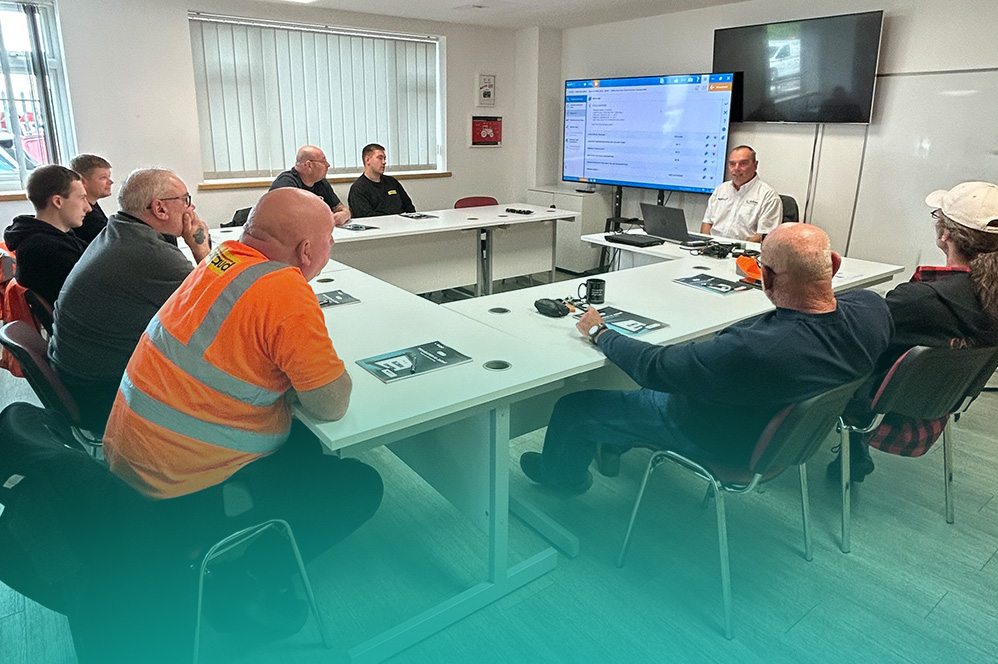
For technicians who want a structured introduction to these tools, Eclipse runs dedicated Jaltest training courses covering the software in depth. If you run into a technical issue while using any of these features, the Eclipse technical support team is also on hand to help.
Jaltest covers a wide range of sectors, including full commercial vehicle diagnostics for trucks, trailers, and buses. For the official word on the software’s full capabilities and coverage, visit Jaltest UK directly.
Frequently asked questions
Are SMART Guides available on all Jaltest packages?
SMART Guides are part of the core Jaltest troubleshooting functionality, though the exact coverage depends on the vehicle brand and system being diagnosed.
Can Jaltest’s data recorder be used during a live road test?
Yes. Technicians can select the sensor parameters they want to monitor, record them while driving, and play the recording back afterwards to see exactly when a fault occurred.
Does GRP Web replace the need for separate workshop management software?
For many independent workshops, GRP Web’s customer, vehicle, and reporting features cover day to day needs without requiring a separate system, though larger operations may still run it alongside existing software.