





A tractor or excavator sitting idle costs money every hour it’s off the job. Yet a lot of workshops still diagnose off-highway and agricultural machinery the same way they might a car, swapping parts on a hunch until something works. With the right diagnostic tool and a proper process behind it, you can cut that guesswork out almost entirely.
This guide walks through a practical, repeatable process for diagnosing construction and agricultural machinery, using multi-brand diagnostics like Jaltest to get to the root cause faster and avoid paying for repairs you didn’t need.
Why off-highway and agricultural diagnostics need a different approach
Construction and agricultural machinery is built around dozens of interconnected electronic control units covering engine, transmission, hydraulics, electronics and, on agricultural equipment, attachments and implements too. A single fault can throw up codes across several systems at once, which makes it easy to chase the wrong one if you’re working from a single code reader with limited coverage.
Add in the fact that most workshops deal with more than one brand, whether that’s excavators, loaders and dumpers from different manufacturers, or tractors, harvesters and trailing implements, and the case for a proper multi-brand diagnostic tool becomes obvious.
Jaltest provides coverage across major construction machinery brands through its Off-Highway diagnostics package, and across leading agricultural brands including JCB, Case IH, John Deere, Claas, New Holland and DEUTZ-FAHR through its Agricultural (AGV) diagnostics package, giving technicians one system to work across the whole fleet rather than switching tools depending on what’s in the workshop.
A step-by-step diagnostic process
Whether you’re working on a digger or a combine harvester, the same core process applies.
- Connect and run a full system scan
Rather than jumping straight to the system you assume is at fault, start with a full scan across every ECU on the machine. This gives you the complete picture and often reveals related codes you wouldn’t have found by checking one system in isolation.
- Read and interpret the fault codes
Once you’ve got your code list, the next step is understanding what each one actually means. A good diagnostic tool goes beyond the raw code, offering guided troubleshooting and a list of possible causes linked directly to the fault, so you’re not left searching manuals or forums to work out what it’s telling you.
- Cross-check against live data
Fault codes tell you where to look, not always what’s wrong. Pulling up live data while the machine is running, whether that’s hydraulic pressure, engine temperature, fuel pressure or sensor voltage, lets you see whether a reading is genuinely out of range or whether the code was a one-off event.
- Use wiring diagrams to trace the fault
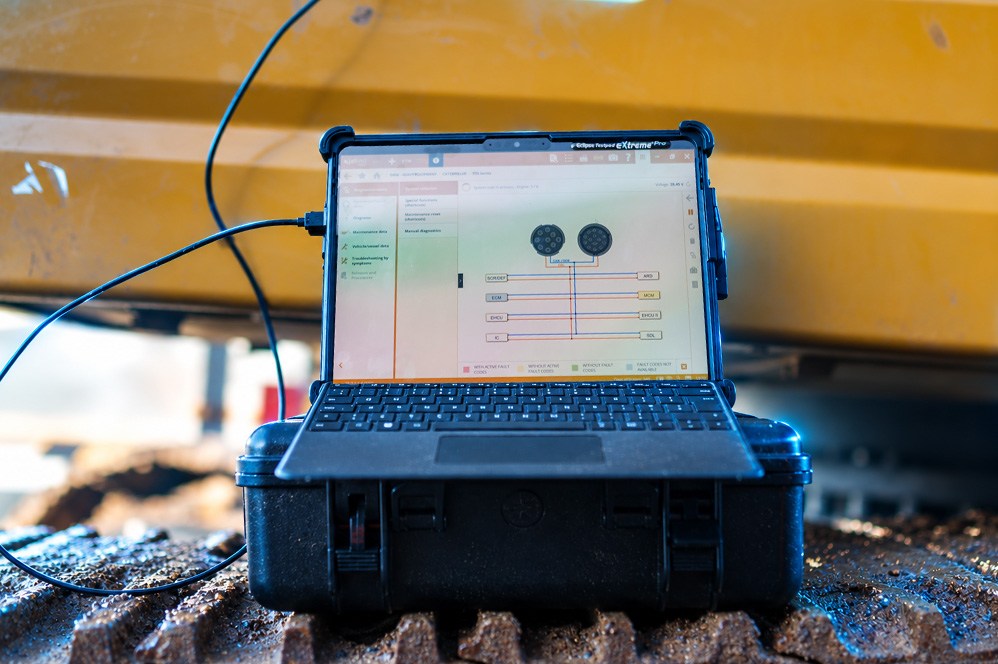
A large proportion of faults on construction and agricultural machinery come down to wiring rather than a failed component, whether that’s a corroded connector, a chafed loom or a poor earth. Interactive wiring diagrams let you trace the circuit properly rather than guessing, which matters enormously when a machine has dozens of connectors and metres of cable routed through moving parts.
- Test and actuate the suspected component
Before ordering a replacement part, actuate the component directly from the diagnostic tool where possible. Being able to trigger a solenoid, relay or actuator on demand confirms whether it’s actually faulty, rather than relying on a process of elimination that involves swapping parts and hoping.
- Clear the codes and verify the fix
Once the repair is complete, clear the fault codes, run the machine and recheck live data to confirm the issue is genuinely resolved rather than just temporarily masked. A final system scan is worth doing here too, to make sure nothing else was missed.
Wiring diagrams, live data and system scans in more detail
These three tools do the heavy lifting in any proper diagnostic process, and it’s worth understanding what each brings to the table.
System scans give you visibility across the whole machine in one pass, rather than one ECU at a time. On complex machinery with dozens of control units, this is often what reveals that several apparently unrelated faults actually share a single root cause.
Live data shows you what’s actually happening while the machine is working, not just what was logged at the moment a fault triggered. This is particularly useful for intermittent faults, where the code alone doesn’t tell you whether the problem is still present.
Wiring diagrams turn a guessing game into a proper trace. Rather than pulling apart a loom to find a break, interactive diagrams show you exactly where a circuit runs, which connectors it passes through and where to test along the way.
Together, these functions are what separate genuine diagnostics from basic fault code reading, and they’re a core part of what’s included with Jaltest’s multi-brand diagnostics software.
Reducing downtime and avoiding unnecessary repairs
For construction and agricultural fleets, machine downtime is rarely just an inconvenience. A digger off the road on a live site or a tractor down during harvest has a real cost attached, which is why getting the diagnosis right first time matters so much.
A structured process, backed by proper live data, system scans and wiring diagrams, cuts down on two of the most common causes of wasted time and money. The first is unnecessary parts replacement, swapping a sensor, solenoid or module that turns out not to be the problem. The second is repeat visits, where a fault isn’t properly resolved the first time because the root cause was never confirmed.
Guided troubleshooting also reduces how much a technician needs to already know about a specific brand before they can start. Rather than needing deep in-house knowledge of every manufacturer on the yard, the diagnostic tool provides the likely causes and the steps to confirm them, which speeds up training and reduces reliance on dealer callouts for problems that could be resolved in-house.
Order Jaltest diagnostics for construction and agricultural machinery through Eclipse
Eclipse is the official UK distributor for Jaltest diagnostics, giving construction and agricultural workshops access to genuine multi-brand diagnostics, covering engine, hydraulics, transmission and electronics across all the major brands in one tool.
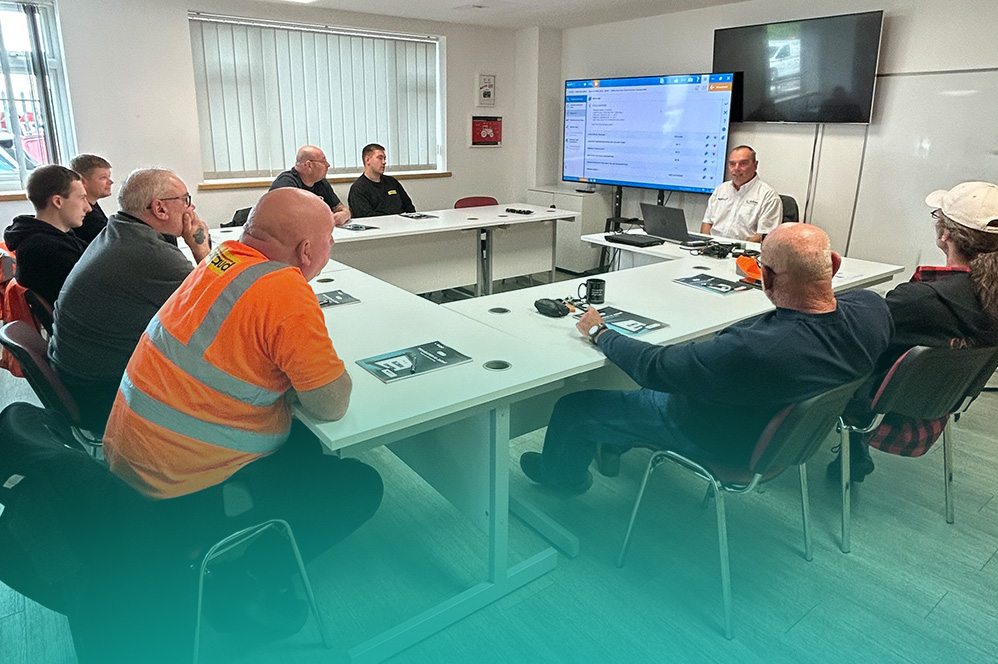
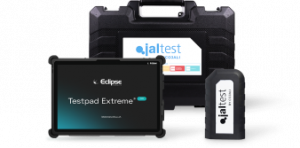
Every Jaltest package from Eclipse comes with the rugged Testpad Extreme Pro tablet, handover training, and UK based technical support from a team of industry trained vehicle technicians and IT specialists, based at our Derbyshire headquarters.
Software updates are released three times a year, adding new brands, models and functionality as they become available, and flexible finance options are available if you’d rather spread the cost.
If unplanned downtime and unnecessary dealer callouts are costing your workshop time and money, get in touch with the Eclipse team to find the right Jaltest package for your fleet.
Enquire about Jaltest diagnostics at Eclipse today to find out how much time and money it could save your workshop.
Frequently asked questions
Can Jaltest diagnose both construction and agricultural machinery with the same tool?
Yes. Jaltest offers dedicated Off-Highway and Agricultural (AGV) packages, and both run on the same Jaltest software and Testpad hardware, so a workshop covering both sectors doesn’t need separate tools.
Does Jaltest provide wiring diagrams for construction and agricultural machinery?
Yes. Jaltest includes detailed interactive wiring diagrams alongside component locations, technical data and step-by-step troubleshooting guidance for the brands it covers.
Can Jaltest help avoid unnecessary parts replacement?
Yes. By combining fault codes with live data, guided troubleshooting and component actuation, Jaltest helps confirm the actual cause of a fault before parts are ordered, rather than relying on trial and error.
How often is the Jaltest software updated?
Jaltest software is updated three times a year, with each update adding new brands, models, technical information and functionality.
What support is available if I get stuck on a diagnosis?
Eclipse provides UK based technical support from experienced vehicle technicians and IT specialists, so help is available if you’re stuck on a fault or need guidance using the software.
Do I need separate cables for construction and agricultural equipment?
Cable requirements vary by brand and machine type. Eclipse tailors every Jaltest package to the specific manufacturers you work on, so you only pay for the cables you actually need.